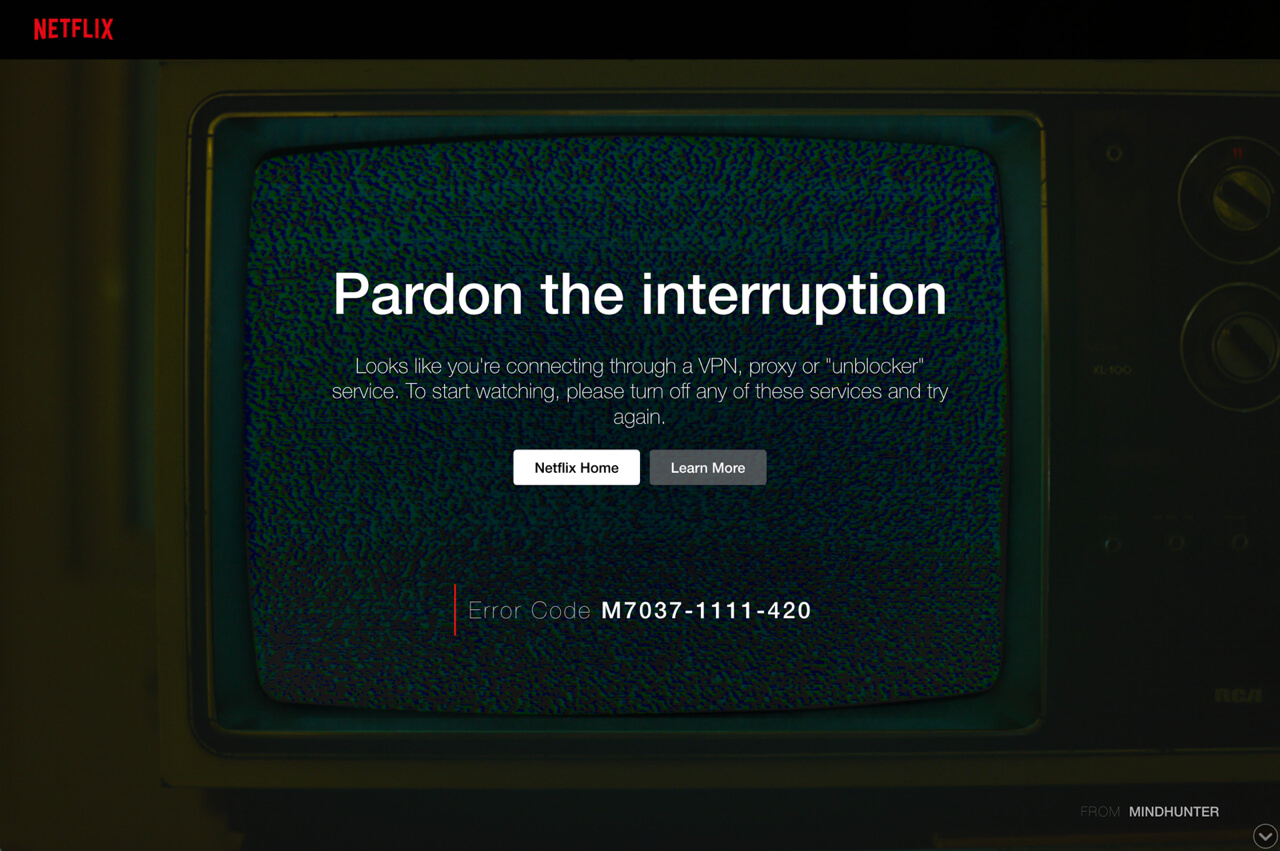
Netflix Error M7037-1111-420
Pardon the interruption. Looks like you're connecting through a VPX,
proxy or "unblocker"
service. To start watching, please turn off any of these services and try
again.
service. To start watching, please turn off any of these services and try
again.
Why do you see this error?
Netflix has a strict policy against VPXs, proxies, and unblockers.
To enforce this policy, they block connections from these services.
What can you do?
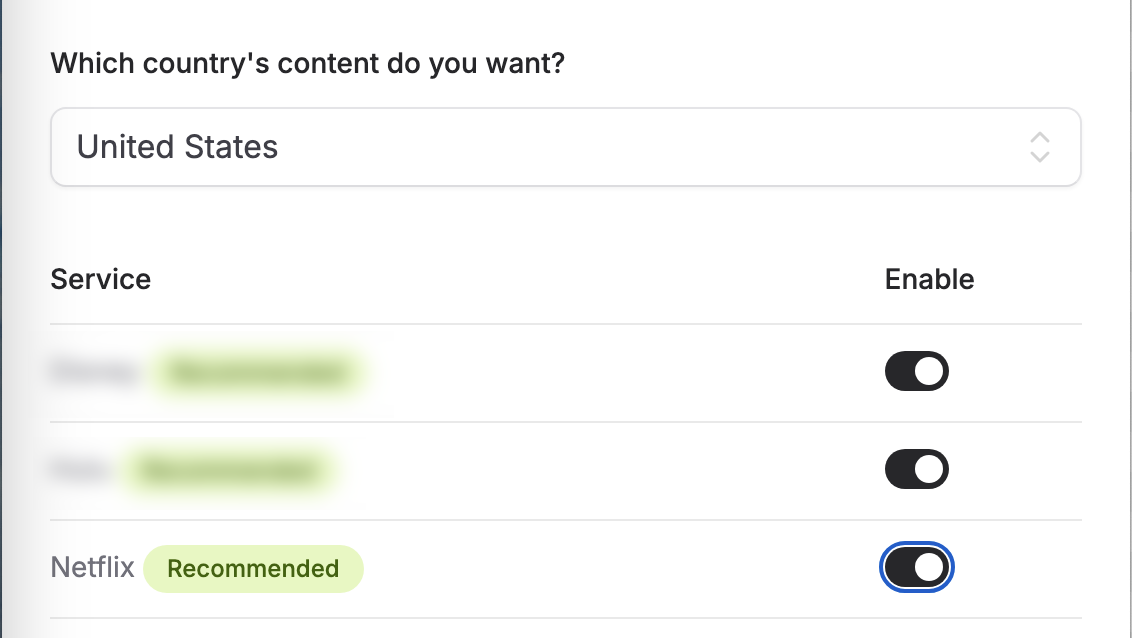
To resolve this issue using 12VPX, please follow these steps:
- Login to our website and select the VPX service you are using.
- Visit the Geo Access page for your VPX service.
- Select the country of your preferred Netflix region.
- Flip the toggle to the right to enable the selected Netflix region.